¶ Welcome to your private digital workspace.
¶ What's Cospace?
Cospace is an all-in-one private digital workspace created by Twigex. It helps teams work more efficient by bringing everything they need into one place : documents, tasks, conversations, and data.
Instead of switching between different apps, teams can use Cospace:
- A unified workspace to store and organize files (with real-time editing, MS Office compatibility, activity history and editable metadata).
- Built-in tools for managing projects and workflows: customizable workspaces, connected tables, Kanban/Table views, custom fields, task assignment and progress tracking.
- Communication features: chat, linked conversations, and video calls in one secure environment.
- Data & analytics layer: integrate various data sources (APIs, databases), clean and transform them, build dashboards, get 360-degree insights and automations.
- Flexibility of deployment: Cloud, hybrid or on-premises/self-hosted, with the option of full data isolation.
- Targeted usage: Suitable for teams of any size (lawyers, marketing, HR, freelancers, government, etc.) who want to centralize collaboration, documentation, dashboards, and workflow automation.
In short: Cospace aims to replace using many different tools (chat + files + task manager + dashboard tool) by providing one platform for content, processes and data.
¶ Getting Started
This guide will introduce you to Cospace's intuitive web interface, allowing you to securely access your workspace anytime, anywhere.To connect to your Cospace server:
- Open any web browser.
- Enter your Cospace server URL.
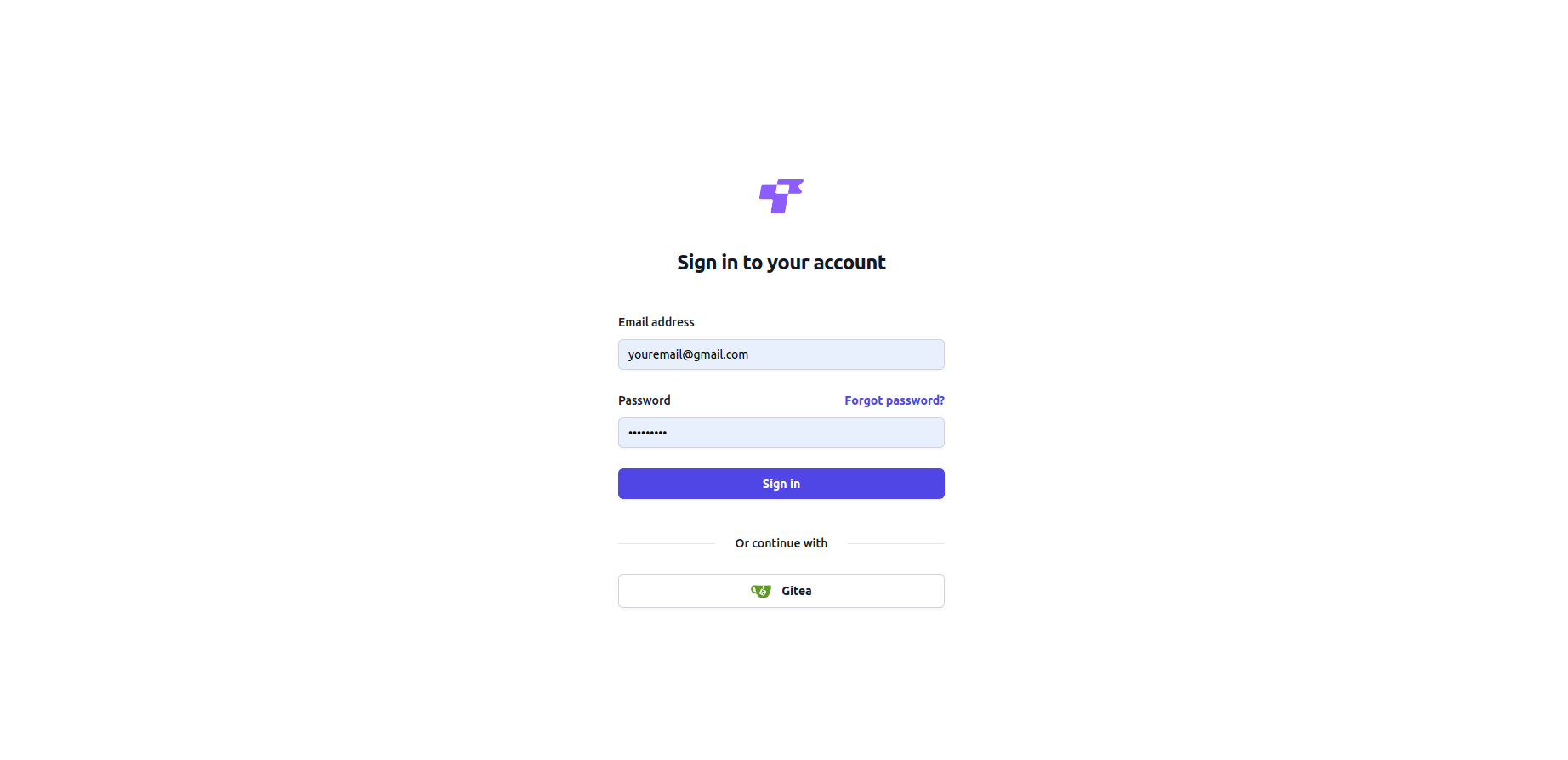
- Log in using your username and password.
¶ Recommended Browsers for Best Experience
For optimal performance, we recommend using the latest supported versions of the following browsers:
- Google Chrome / Chromium
- Mozilla Firefox
- Apple Safari
- Microsoft Edge
¶ Software Availability & Development Notice
Our software is currently in a rapid development phase, with continuous improvements and enhancements being made. At this stage, the source code is not publicly available but can be provided upon motivated request to individuals or organizations with a demonstrated interest in contributing to its development, security evaluation, or integration efforts.
We are committed to transparency, innovation, and collaboration. If you are interested in accessing the source code or discussing potential collaboration opportunities, please contact us with details about your intended use.
We appreciate your interest and look forward to engaging with a community of innovators who can help shape the future of our software.
Note: Some features described in this manual are only available in the Cospace Commercial Edition.
The Free Community Edition includes all core functionality for collaboration, but excludes certain advanced tools designed for larger teams and enterprise environments.